
How to Program Your Garage Door Remote: A Guide by Action Garage Door Repair & Systems
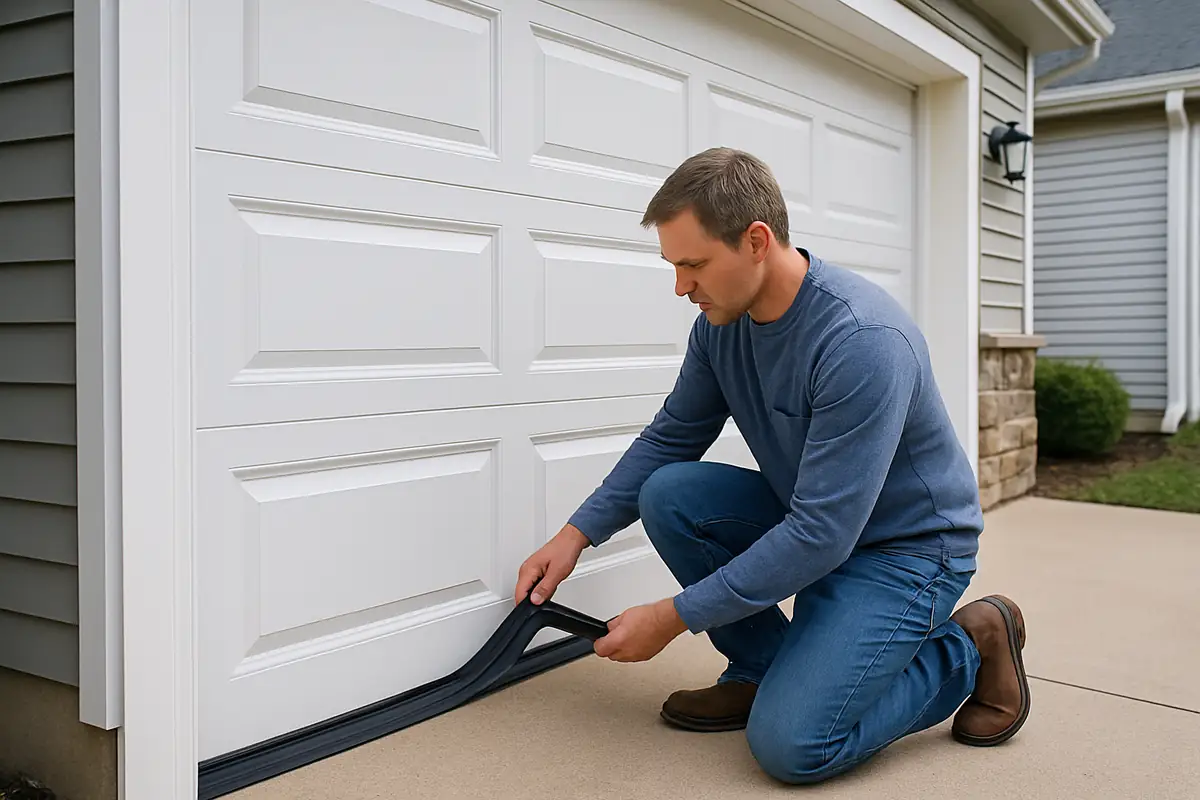
How to Program Your Garage Door Remote: A Comprehensive Guide
Programming your garage door remote can seem daunting, especially if you're not tech-savvy. However, with the right guidance, you can have your remote up and running in no time. At Action Garage Door Repair & Systems, we specialize in garage door repair and maintenance in Austin, TX, and we're here to help simplify the process for you.
Understanding Garage Door Remotes
Before diving into the programming process, it’s essential to understand the different types of garage door remotes available in the market:
- Button Remotes: The most common type, typically featuring several buttons to control different garage doors.
- Keychain Remotes: Compact versions that can be attached to your keys for easy access.
- Smart Remotes: These connect to your smartphone and can be controlled via an app.
Why Programming Your Remote is Important
Having a functioning garage door remote enhances your convenience and security. You won’t need to exit your vehicle in inclement weather to open the garage. Additionally, a properly programmed remote reduces the risk of unauthorized access.
Preparing to Program Your Garage Door Remote
Before you get started, gather the following tools and items:
- Your garage door remote
- The garage door opener (model and make)
- A step ladder (if required)
Make sure to have clear access to your garage door opener, usually located near the ceiling of your garage. If you’re unsure about the model, check the back of the unit for identification.
Step-by-Step Guide to Programming Your Garage Door Remote
Follow these steps to program your garage door remote efficiently:
Step 1: Locate the Learn Button
Openers typically have a learn button, often found on the back or side of the motor unit. It’s usually colored red, yellow, or green. Press and hold the button until the indicator light turns on.
Step 2: Prepare Your Remote
Within 30 seconds of pressing the learn button, you need to prepare your remote for programming:
- Hold the remote close to the garage door opener.
- Press and hold the button you wish to program.
Step 3: Watch for Confirmation
After following the above steps, the garage door opener's light will blink or you may hear a click, indicating successful programming. If the light stays on, try again.
Step 4: Test the Remote
Once programmed, test your remote from a distance of about 10 feet. If it operates effectively, you are all set!
Troubleshooting Common Issues
If your remote fails to program, consider the following:
- Battery Issues: Check if your remote batteries are charged.
- Distance: Ensure you are within the required range when programming.
- Interference: Other electronic devices may interfere, so remove any distractions during the programming process.
When to Call a Professional
While many homeowners can easily program their garage door remotes, some issues may require the expertise of a professional. Consider reaching out to Action Garage Door Repair & Systems if:
- Your garage door does not respond at all.
- You encounter repeated programming failures.
- You suspect a malfunction with the garage door opener.
Conclusion
Programming your garage door remote doesn’t have to be a hassle. By following this guide, you can save time and enhance your home’s convenience and security. If you need further assistance or repairs, don’t hesitate to contact Action Garage Door Repair & Systems in Austin, TX. Our expert technicians are here to help you with all your garage door needs!
Explore More Resources
Related Articles
Service Areas
We proudly serve Austin, Rollingwood, West Lake Hills, Sunset Valley, Pilot Knob and more areas.
Our Services
Professional garage door repair, spring repair, opener installation and more. View all services →

Robert J.
View full profile
Seasonal Garage Door Maintenance Checklist for Austin, TX | Action Garage Door Repair & Systems
Garage Door Spring Maintenance Guide - Action Garage Door Repair & Systems